The Best Quozio Alternative: Make Quote Images Free with QuotesMaker
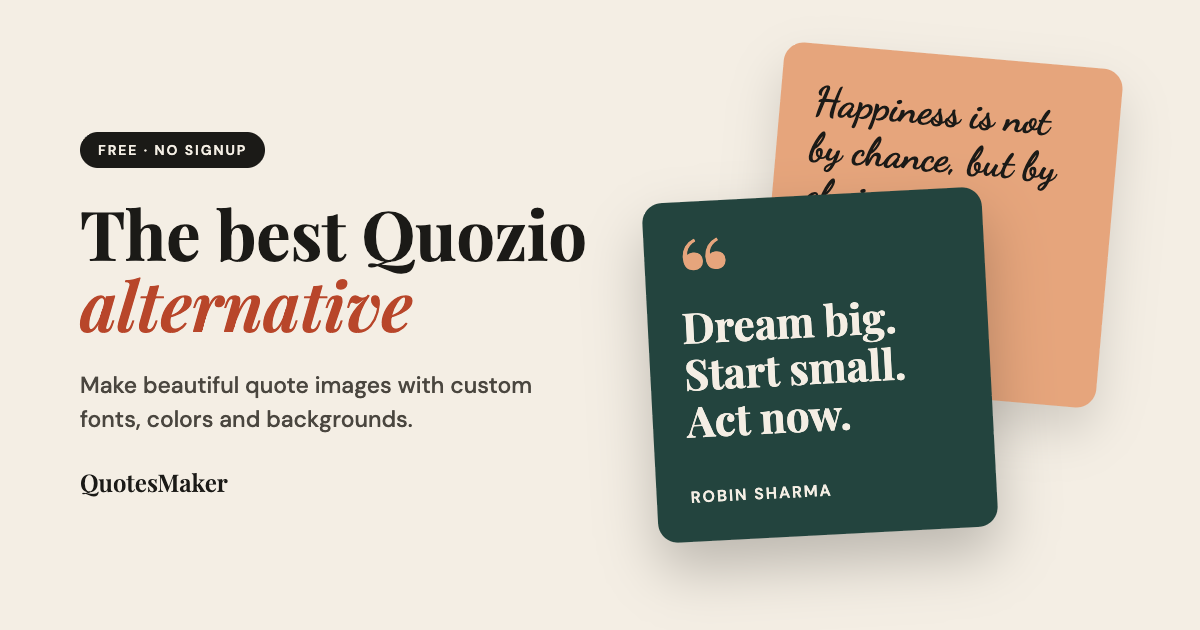
Quozio has been a go-to quote image tool for years, and it's easy to see why. But its most useful features, like custom designs, HD downloads and personal watermarks, sit behind a $29/year Pro plan. If you want more creative control without paying, QuotesMaker is worth a try.
Table of Contents
Why People Look for a Quozio Alternative
Quozio turns your quote into a batch of ready-made designs and lets you pick one. That's fast, but the free version has limits:
Preset designs only. Building your own design with custom fonts, filters and shapes requires Pro.
HD downloads are Pro-only. Full-size, high-resolution images are reserved for paying members.
Personal watermarks cost extra. Adding your name or handle is a Pro feature.
What Is QuotesMaker?
QuotesMaker is a free online quote image maker. Type your quote and author (or let AI write one), style it, and download the image. There's no signup, no download limit and nothing to install. It runs in any browser on desktop, tablet or phone.
QuotesMaker vs Quozio at a Glance
| Feature | QuotesMaker | Quozio |
|---|---|---|
| Price | Free, unlimited | Free core; Pro is $29/year |
| Account required | No | No (optional for saving quotes) |
| Fonts, colors and backgrounds | Fully customizable, free | Custom designs need Pro |
| Templates | Ready-made templates | Auto-generated designs; hundreds more with Pro |
| Drag-and-resize editor | Yes | No (preset layouts) |
| AI quote generator | Yes | Random quote button |
| Filters and design elements | Yes | Filters in Pro |
| Watermark option | Yes, in the editor | Pro only |
| Download quality | Free, full quality | HD full-size is Pro only |
| Saved boards | No (download and go) | Yes (unlimited with Pro) |
| Bookmarklet | No | Yes |
Key Features of QuotesMaker
12 fonts: from elegant serifs like Playfair Display to handwritten scripts like Dancing Script.
Custom colors, backgrounds and filters: match your brand or mood.
Drag-and-resize editor: place your quote, author and design elements exactly where you want them.
AI quote generator: stuck for words? Generate a quote in one click.
Ready-made templates: start from a preset style and tweak it.
Quote library: browse inspirational, stoic and love quotes, or check the quote of the day.
How to Make a Quote Image in 3 Steps
Add your quote and author, or generate one with AI.
Style it with fonts, colors, backgrounds and filters.
Download and share on Instagram, Pinterest, Facebook or LinkedIn.
Which Tool Should You Choose?
Choose QuotesMaker if you want full design control, for free, without creating an account.
Choose Quozio if you prefer picking from auto-generated designs, want to save quotes to boards, or like its bookmarklet for turning highlighted web text into images.
Frequently Asked Questions
Is there a free alternative to Quozio?
Yes. QuotesMaker is free with unlimited quote images, and you can customize fonts, colors and backgrounds without paying.
Do I need an account to use QuotesMaker?
No. Open the editor, create your quote and download it. No signup required.
Is QuotesMaker better than Quozio?
It depends on what you need. QuotesMaker offers more free customization and an AI quote generator. Quozio offers auto-generated designs, saved boards and a bookmarklet.
Can I use QuotesMaker on my phone?
Yes. It works in any modern browser on phones, tablets and computers.
Can I add my own watermark?
Yes. The editor includes a watermark field, so you can stamp your name, website or social handle on your quote images.
Try QuotesMaker Free
Ready to design your first quote? Open the free quote editor and create a shareable image in seconds.