The Best Free Canva Alternative for Creating Quote Images
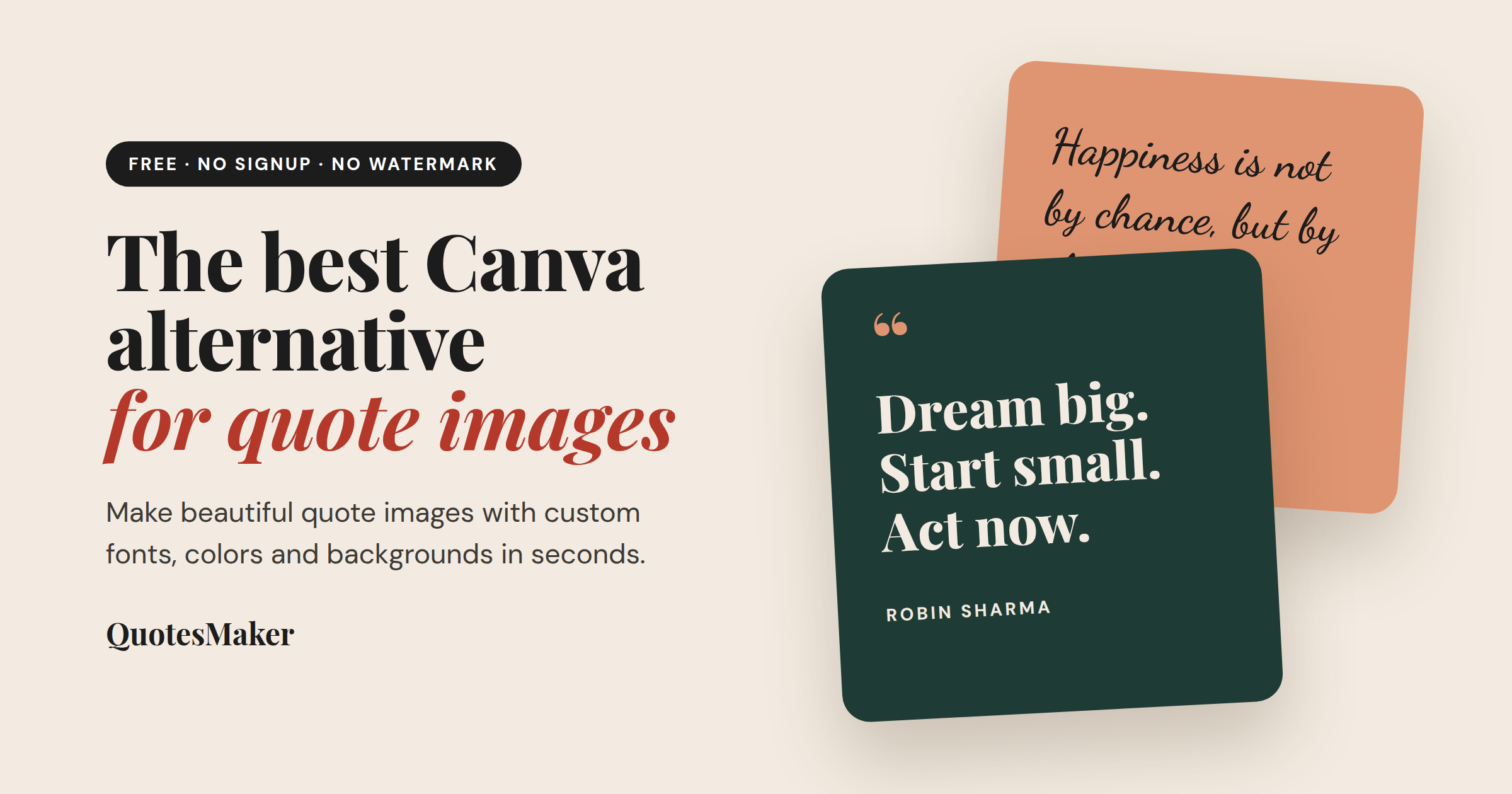
Canva is a great all-round design platform. But if all you want is a beautiful quote image for Instagram, Pinterest, or your blog, it can feel like using a full toolbox to hang one picture. You have to create an account, open the editor, browse thousands of templates, and if you want AI help writing the quote, keep an eye on your usage limits.
If you just want to type a quote, style it, and download it, there's a faster option: QuotesMaker.
Table of Contents
Why Look for a Canva Alternative?
Canva's quote generator runs on Magic Write, its AI writing assistant. It's helpful for brainstorming quotes, but it comes with a few catches:
You need an account. You have to sign up and log in before you can generate anything.
AI uses are limited. Free accounts get 50 lifetime AI generations. Paid plans raise that to a monthly limit.
It's a two-step process. Magic Write gives you text, and then you still need to design the image in Canva's editor.
For people who make quote posts often, like creators, teachers, small businesses, and social media managers, those extra steps add up.
QuotesMaker: Built Only for Quote Images
QuotesMaker does one thing and does it well: it turns words into shareable quote images.
100% free and unlimited. Create as many quote images as you want. There are no credits, trials, or paid tiers.
No signup required. No account or email. Open the site and start typing.
No watermark. Download your image in full quality without any branding on it.
Ready-made templates. Start from a styled template and the editor opens with that design already applied.
Full customization. Change the font, colors, background, quote text, and author to match your brand or mood.
Works on any device. It runs entirely in your browser, so it works on your phone, tablet, or desktop with nothing to install.
Need the Words Too? Use the AI Quote Generator
Like Canva, QuotesMaker can write the quote for you. Our AI Quote Generator creates an original quote from any topic and tone you choose. Then you send it straight to the Quote Maker to design it. You go from idea to finished image in one place, without hitting a usage cap.
How to Make a Quote Image in 3 Steps
Add your quote and author, or pick a template or a random quote.
Style it with fonts, colors, and backgrounds.
Download and share on Instagram, Pinterest, Facebook, LinkedIn, or your blog.
Canva vs. QuotesMaker at a Glance
| Canva Quote Generator | QuotesMaker | |
|---|---|---|
| Signup required | Yes | No |
| Free AI quotes | 50 lifetime | Free to use |
| Designs quote images | In the separate editor | Built in |
| Watermark | No | No |
| Learning curve | Moderate | None |
Who Should Use QuotesMaker?
Content creators who post daily quote content
Marketers who need fast, on-brand social graphics
Teachers making classroom visuals
Bloggers who want to add quote images to their posts
Anyone who wants daily inspiration on their phone's lock screen
The Bottom Line
Canva is a good choice if you need a full design suite. But if your goal is quote images, QuotesMaker is quicker and simpler, and it costs nothing. You don't need an account or credits, and you won't get a watermark.